Free to start
Begin with a concise educational scenario.
Portofolio Advisor · AI financial education simulator
Explore how time horizon, volatility, and liquidity shape a hypothetical scenario—without connecting a broker or placing trades.
Begin with a concise educational scenario.
Explore without linking accounts or moving money.
Use the output to learn, verify, and decide for yourself.
Inside Portofolio Advisor
The experience turns a hypothetical scenario into an educational explanation you can examine—not an instruction to act.
Start a free scenario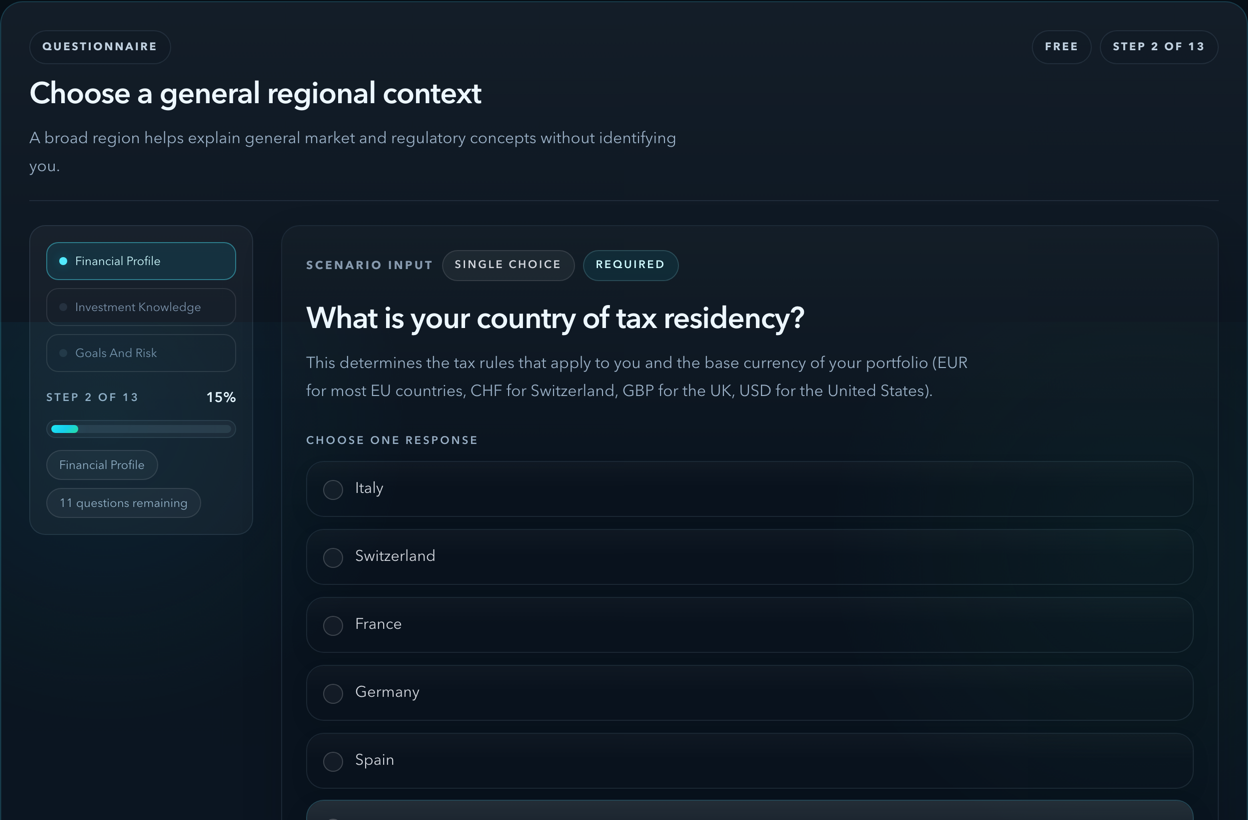
Choose broad ranges for context, goals, experience, time horizon, and risk.
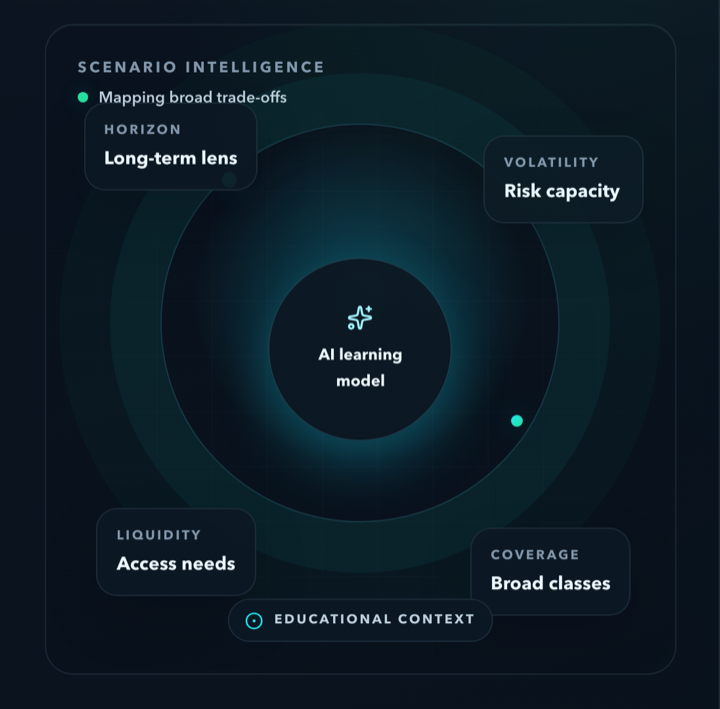
See how volatility, liquidity, and broad asset classes interact in the scenario.
Leave with assumptions to check, sources to consult, and questions worth asking.
How it works
The simulator keeps the learning journey focused and leaves the decision with you.
Select broad hypothetical bands without sharing identifying information.
Follow plain-language context around horizon, volatility, liquidity, and asset classes.
Use the checklist to verify assumptions and prepare for your own research or a qualified professional.
What you can learn
Each part of the experience is designed to improve understanding before action.
Connect volatility and possible drawdowns to a time horizon and access needs.
Compare the general roles of equities, bonds, cash, and other broad categories.
Identify assumptions, dates, and sources that deserve a separate check.
Clear boundaries
Portofolio Advisor is an AI financial education simulator. Its output can be incomplete or wrong, so material facts should be checked independently.
Keep exploring
The simulator is the starting point. These focused resources support deeper learning and independent checks.
Build knowledge through concise lessons and Weekly Talks.
Explore LearnReview current prices and AlphaQuants updates with clear data caveats.
Read NewsUse standalone browser tools for specific financial and business tasks.
Browse free toolsCommon questions
Four quick answers about access, control, and the educational scope.
View all FAQsYes. You can begin with a concise free scenario. Any paid learning depth is labelled before you choose it.
No. The simulator does not connect to a broker, move money, or place orders.
No. It explains broad asset classes and trade-offs without naming products or creating a personal allocation.
Treat it as a learning aid: check assumptions and sources independently, then consult a qualified professional when appropriate.
Start with a hypothetical scenario
Answer a short set of broad questions and explore the educational context at your own pace.